Black line drawing of a bird face with a small tuft on top, centered on a green circular background.
Yellow hand-drawn light bulb icon with simple filament design on a white background.Black fox head icon inside a red circle with a shadow on a white background.Illustration of two purple hands with five fingers each and black outlines.Black line drawing of a dog's face inside a blue circular button.Black outlined monkey face icon inside an orange circle with a shadow.Green check mark inside a rounded square with a white outline.

교육 도구를 무료로 이용하세요

대부분의 학교는 자신도 모르게 Goodnotes 의 제한된 버전을 사용하고 있습니다.

스마트한 업무 흐름과 교육학적 근거를 바탕으로 한 도구를 제공하는 향상된 기능 세트로 전환하여, 교사들이 가르치는 데 더 많은 시간을 할애할 수 있도록 하세요.

자격 요건 확인
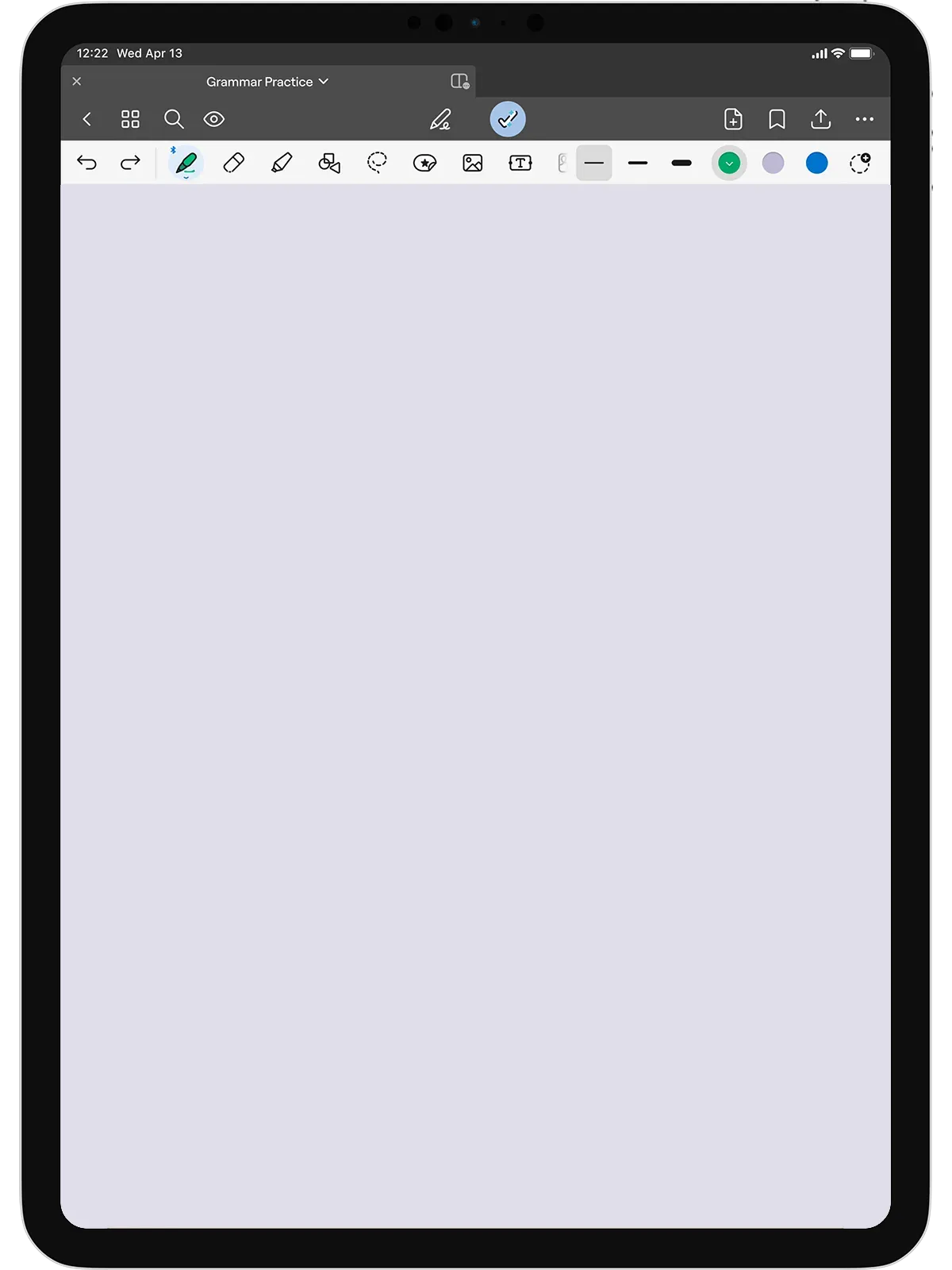
iPad screen showing Goodnotes app with blank page titled Grammar Practice and various editing tools visible.

달린 로버트슨

알렉스 G.
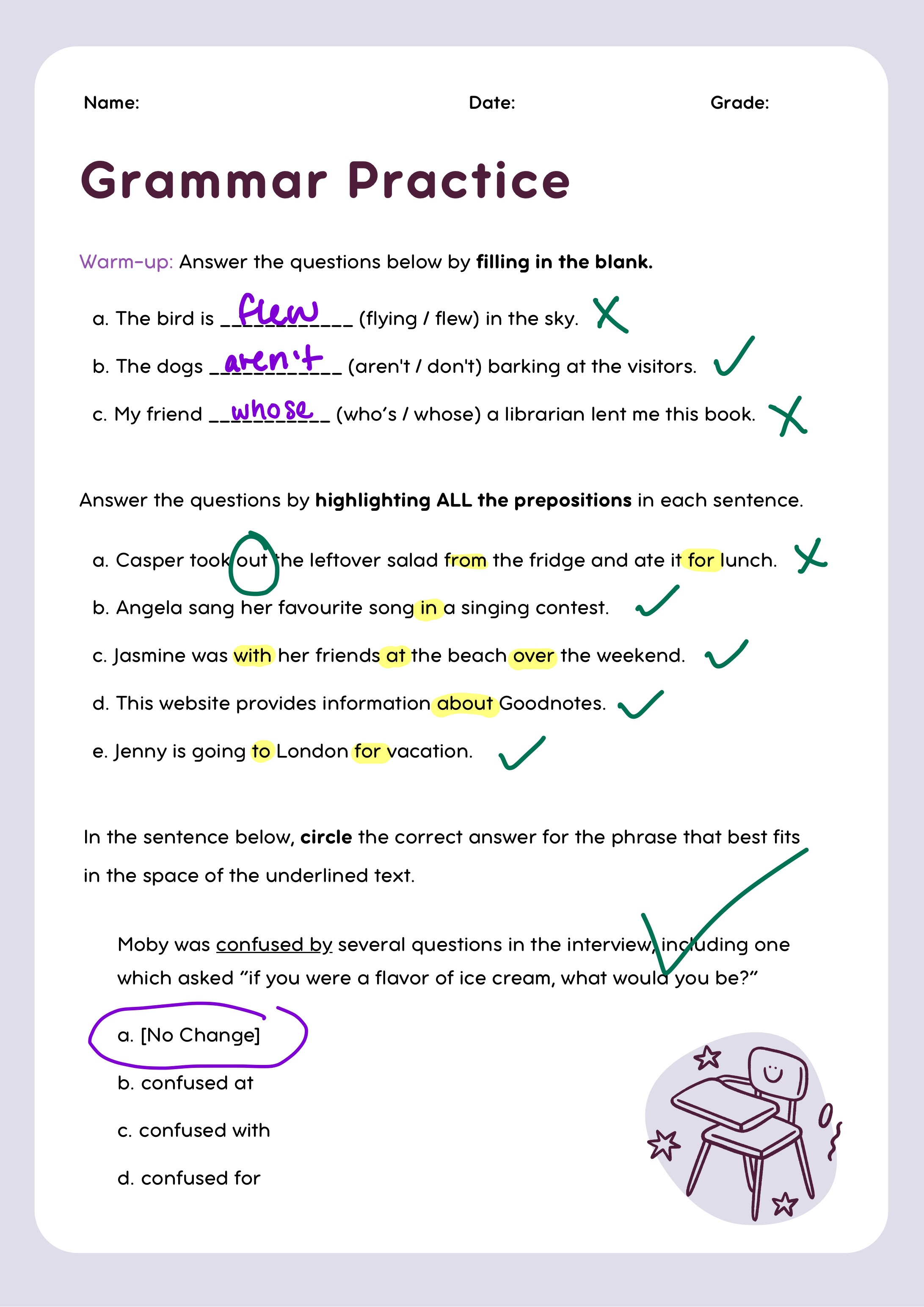
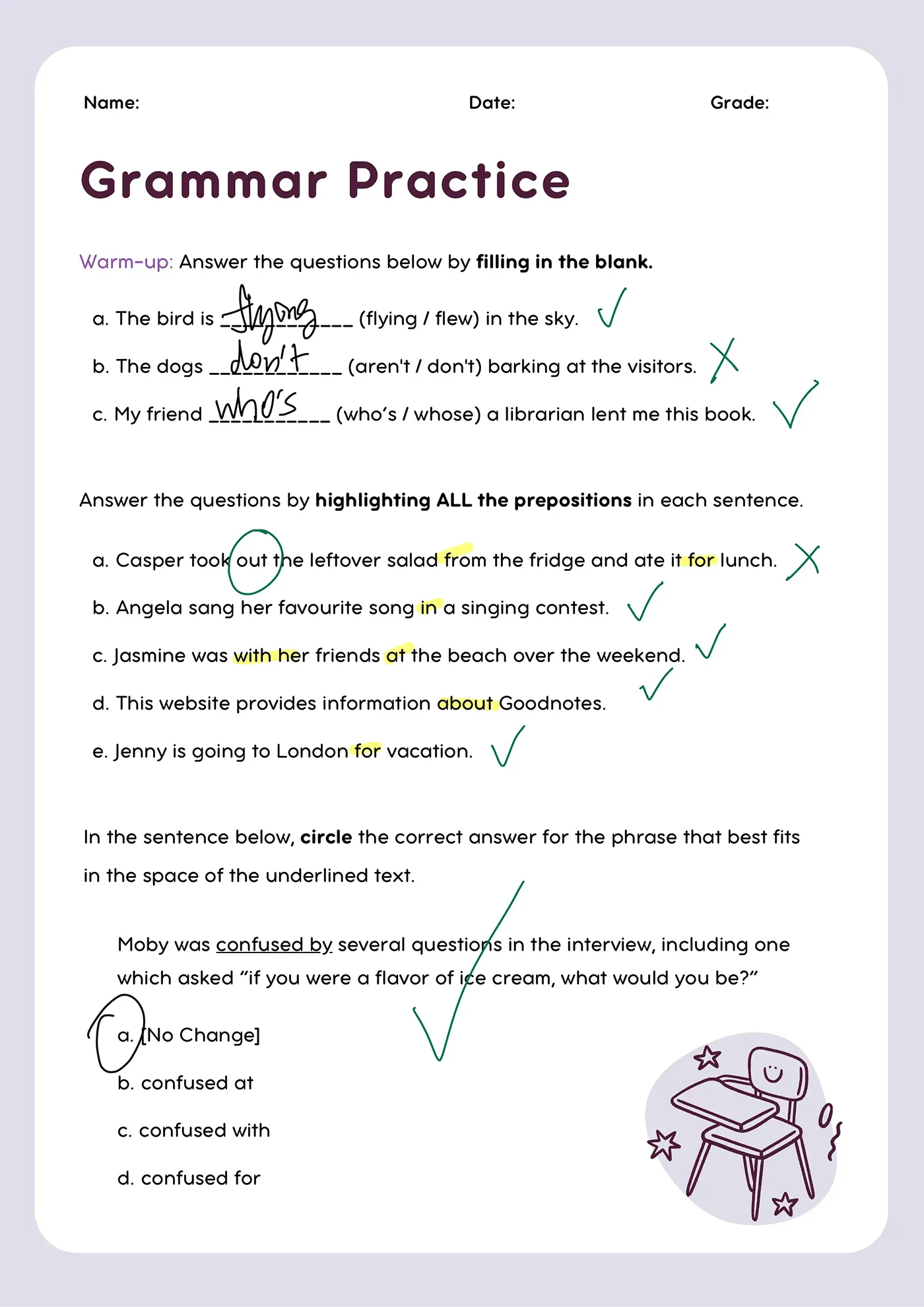
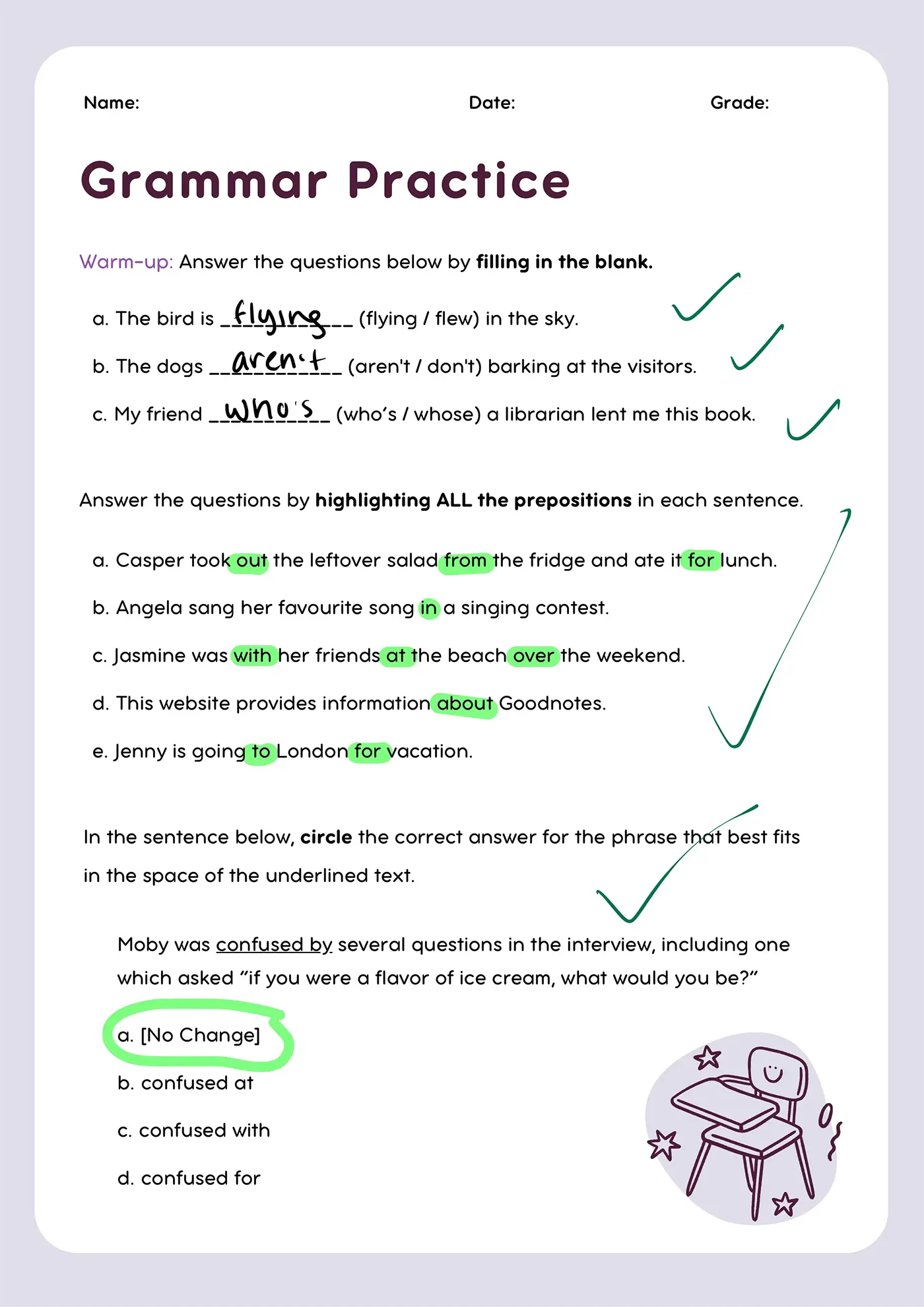
Grammar practice worksheet with fill-in-the-blank, preposition highlights, and multiple-choice question with marks.
클로이 S.
달린 R.
앤드류 F.
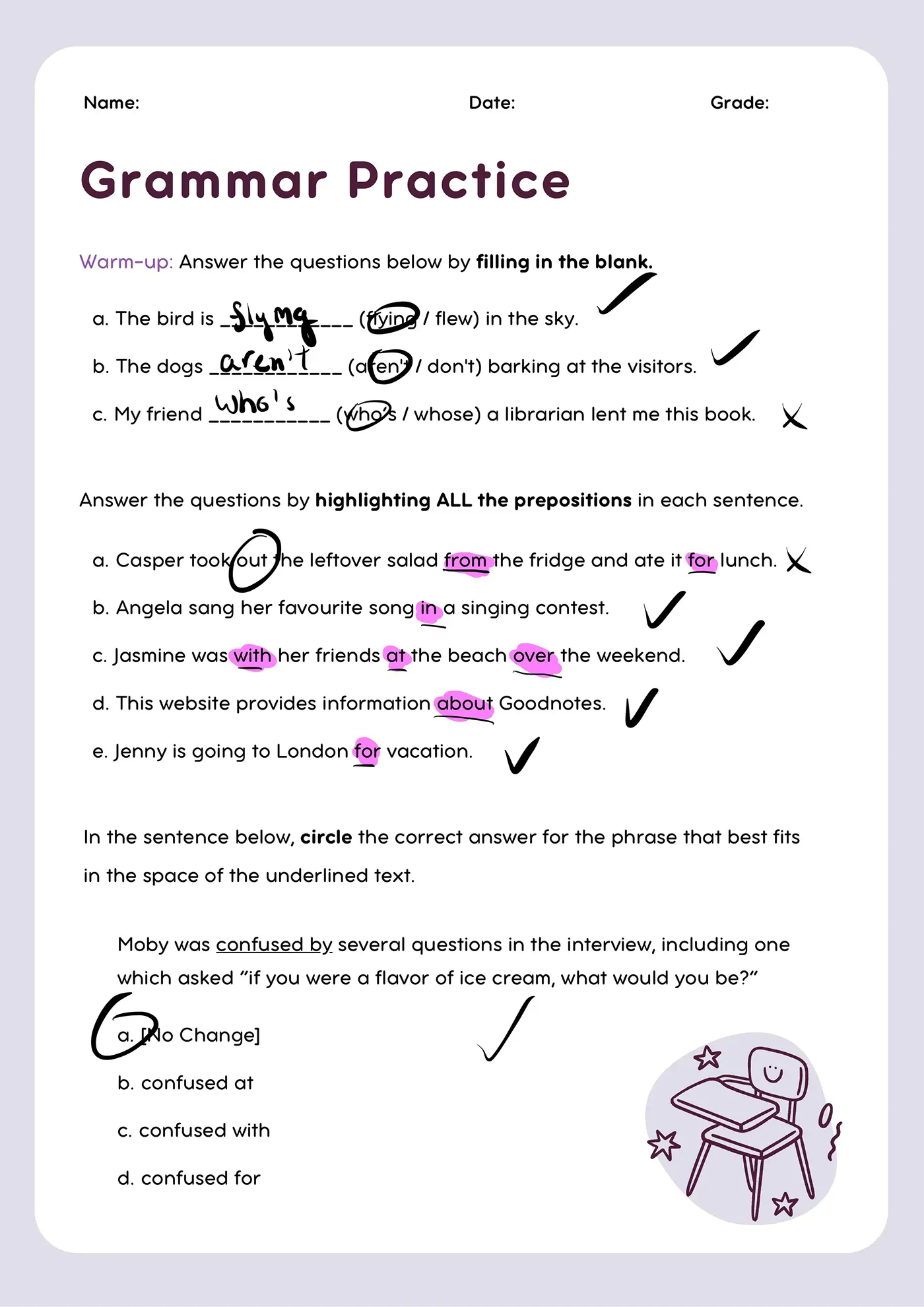
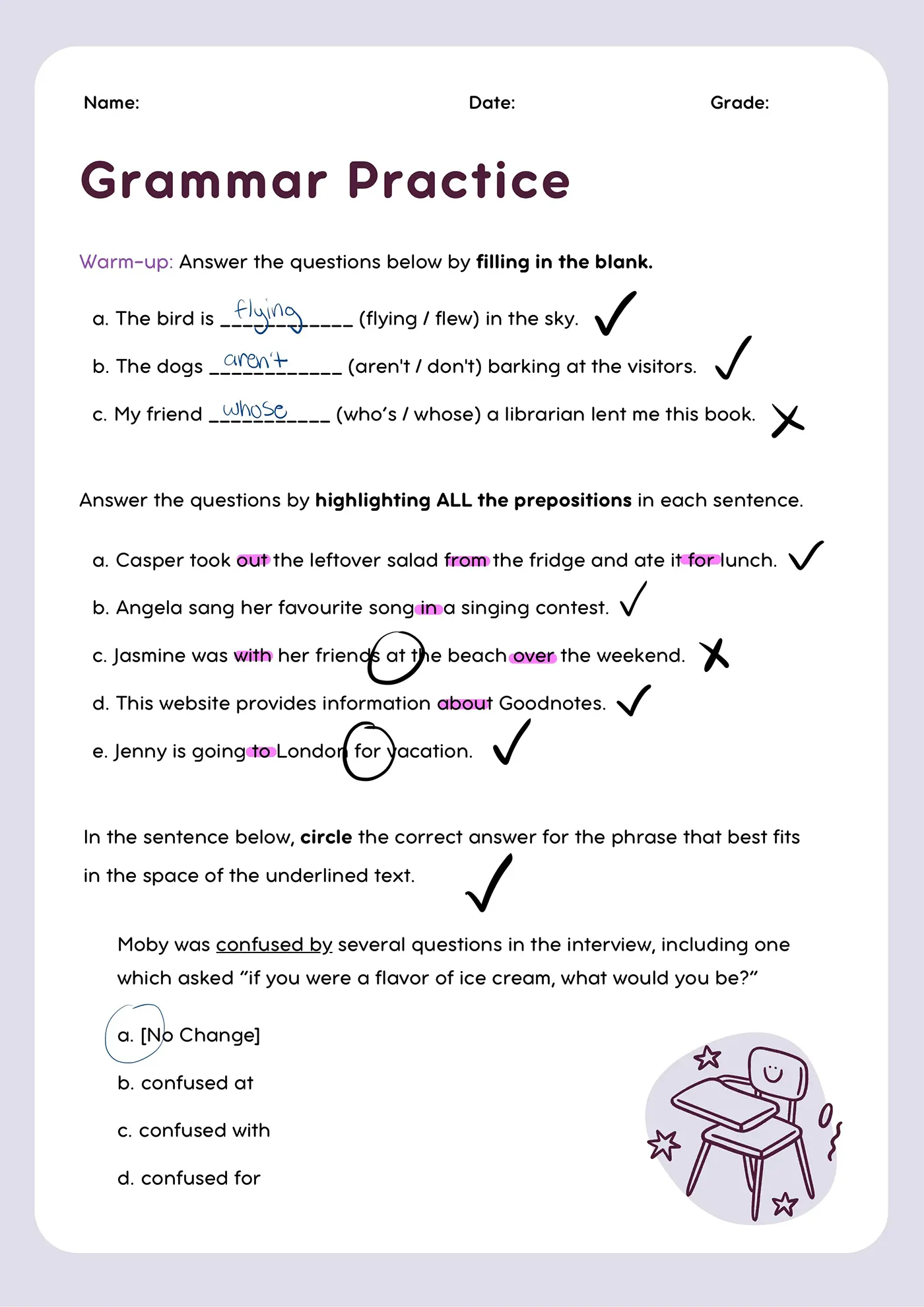
Grammar worksheet with blanks filled, prepositions highlighted, and correct answers circled or checked.
에밀리 J.
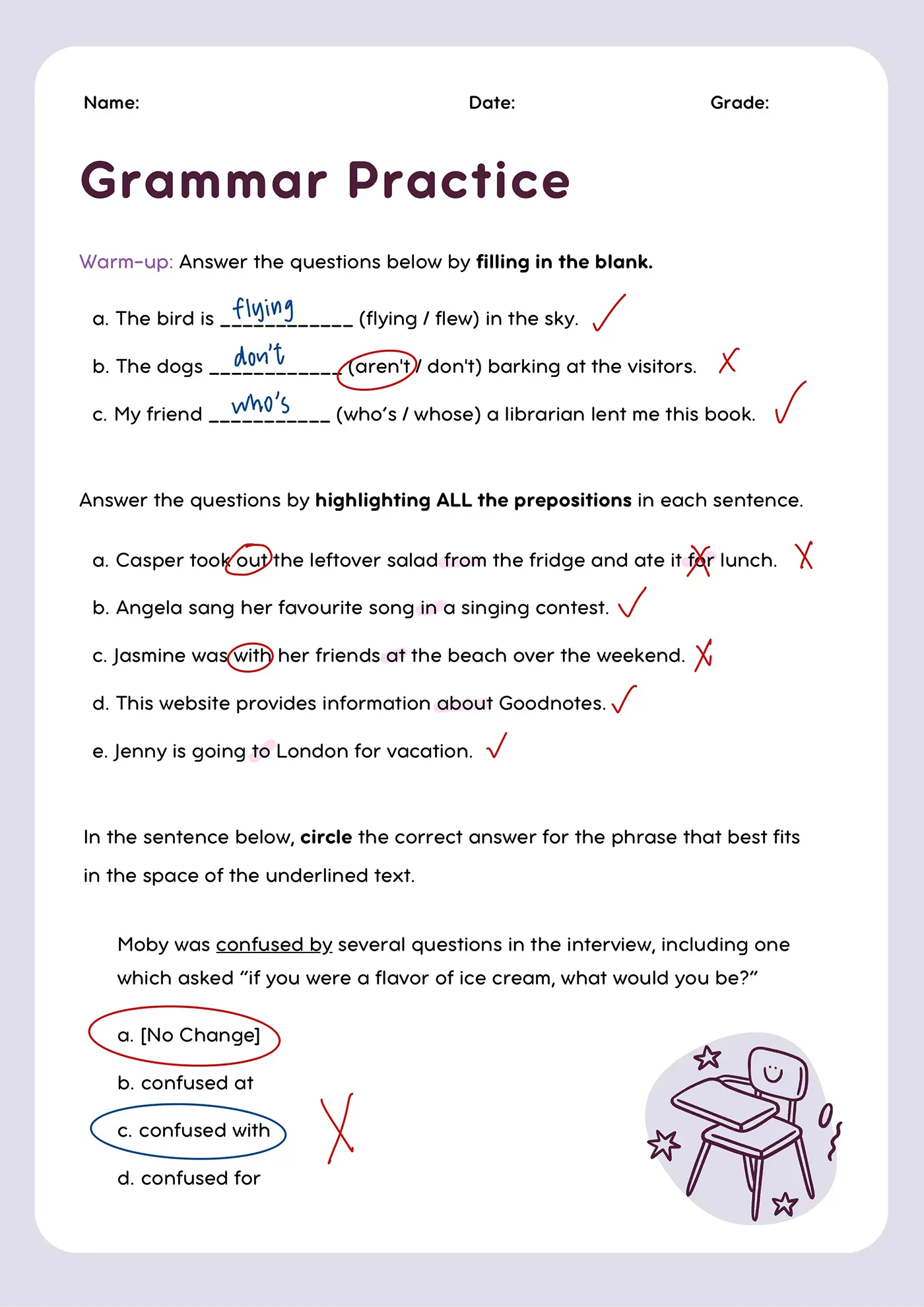
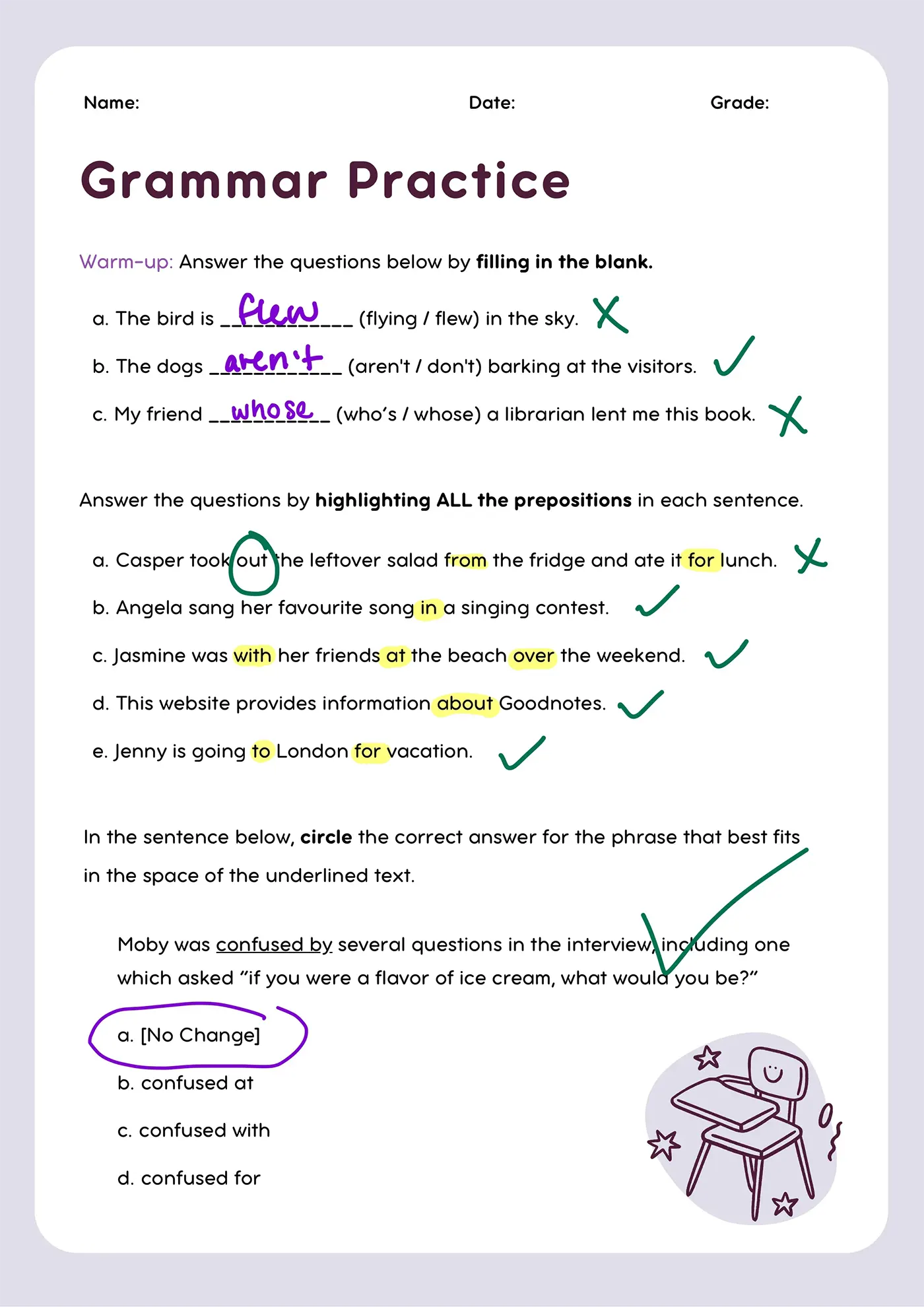
Grammar practice worksheet with fill-in-the-blank, preposition highlighting, and sentence correction exercises.
사무엘 G.
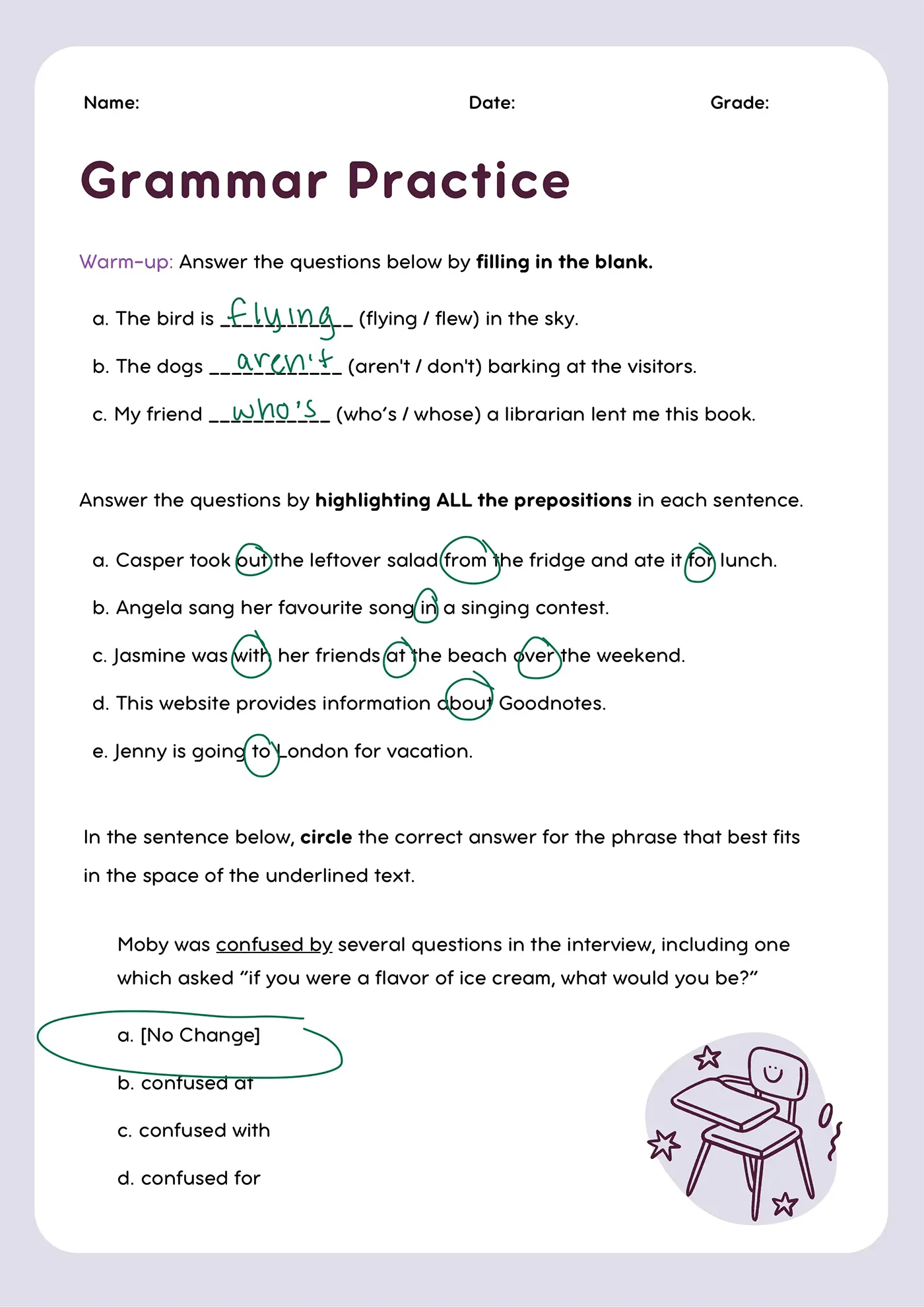
Grammar practice worksheet with blanks filled, prepositions circled, and a question with multiple choice circled.
소피아 M.
Grammar practice worksheet with fill-in-the-blank, preposition highlighting, and circle-the-correct-answer exercises.
개요
피드백
White digital stylus pen angled diagonally on a light background.Red apple with a green leaf and a smiling face on a black background.


를 설정해야 하는 이유 ‍관리 콘솔를 설정해야 할까요? ‍

관리자 콘솔을 설정하면 교사가 행정 업무 시간을 줄이고, 학생들에게 맞춤형 지원을 제공하며, AI를 안전하고 효과적으로 활용할 수 있는 기능을 이용할 수 있습니다.

자격 요건 확인
White line drawings of stars, a light bulb, a hand writing, and an open book on black background.

교육학적 근거를 바탕으로 한 기능을 확인해 보세요

자격 요건 확인

관리 콘솔을 통해 다음과 같은 기능을 이용하실 수 있습니다.

주요 기능
관리 콘솔 없이
관리 콘솔을 사용하여
주요 기능
메모 작성 및 문서 관리
관리 콘솔 없이
관리 콘솔을 사용하여
주요 기능
디지털 필기
관리 콘솔 없이
관리 콘솔을 사용하여
주요 기능
원활한 문서 배포
관리 콘솔 없이
관리 콘솔을 사용하여
주요 기능
효율적인 수업 자료 제작
관리 콘솔 없이
관리 콘솔을 사용하여
주요 기능
답변 클러스터링
관리 콘솔 없이
관리 콘솔을 사용하여
주요 기능
Al 등급 분류
관리 콘솔 없이
관리 콘솔을 사용하여
주요 기능
프레젠테이션 모드 및 화이트보드
관리 콘솔 없이
관리 콘솔을 사용하여
주요 기능
실시간, 학생 1:1 현황 파악
관리 콘솔 없이
관리 콘솔을 사용하여
주요 기능
평가 및 피드백 기능
관리 콘솔 없이
관리 콘솔을 사용하여
주요 기능
관리자 콘솔 분석
관리 콘솔 없이
관리 콘솔을 사용하여

자격 요건을 충족하시나요?

Goodnotes K-12 학교에 무료로 제공되지만, 이용 가능한 기능은 학교의 설정에 따라 달라집니다.

관리 콘솔 없이
관리 콘솔을 사용하여
주요 기능
다음에 가장 적합합니다
관리 콘솔 없이
기기를 공유하거나 로그인 방식이 없는 학교
관리 콘솔을 사용하여
1:1 애플 기기를 갖추고 있으며 로그인 방식이 마련된 학교
주요 기능
계좌 유형
관리 콘솔 없이
기기 기반
관리 콘솔을 사용하여
계정 기반
주요 기능
기능 이용
관리 콘솔 없이
핵심 내용만 필기하기
관리 콘솔을 사용하여
교실용 전체 기능 세트
주요 기능
비용
관리 콘솔 없이
무료
관리 콘솔을 사용하여
무료
시작하기

이 모든 것을 제대로 경험할 준비가 되셨나요?

설정을 진행하기 위해 귀 학교에 대한 몇 가지 세부 정보(예: 로그인 방식 및 사용자 수 등)가 필요합니다. 이 작업은 귀 학교의 IT 관리자나 기관을 대표하여 권한을 위임받은 담당자가 처리하는 것이 가장 좋습니다.

시작하기